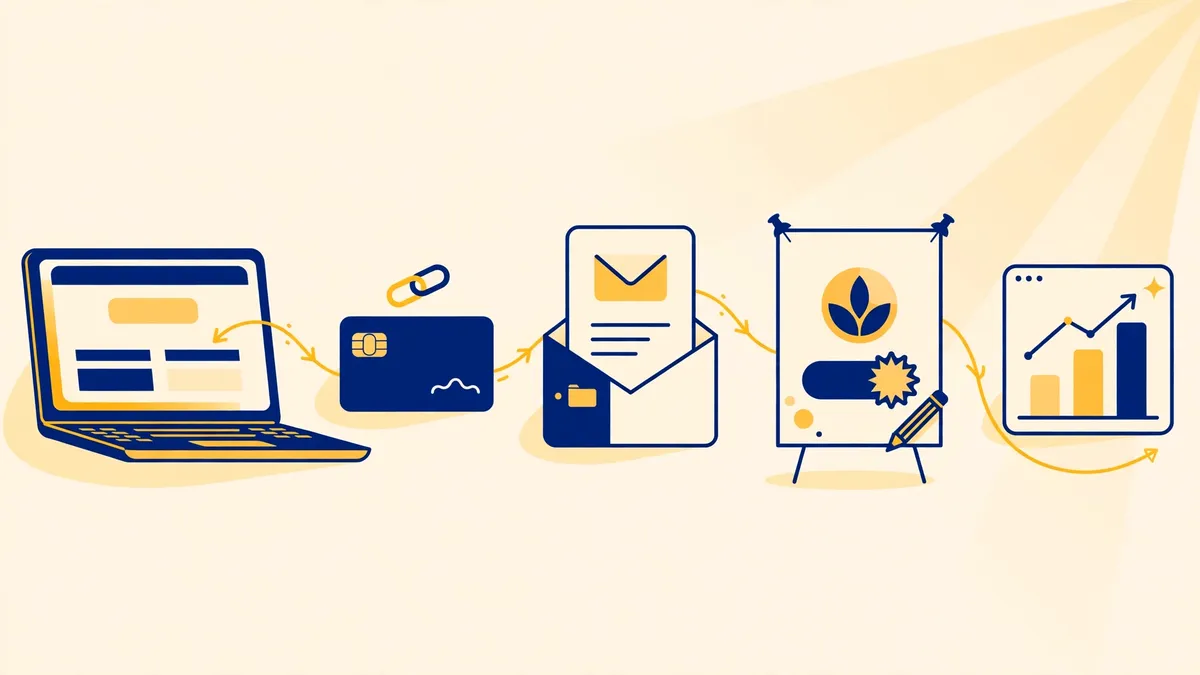
Five free tools run a one-day launch: a website, payments, email, design, and analytics.
Each one costs nothing to start, and each one connects to the next. The catch sits in the free limits, stated plainly below.
I picked this stack for a solo seller with no budget, no team, and one day to launch.
Summary
- One stack, five jobs: website, payments, email, design, and analytics.
- Every tool below starts free, with no card required for the free tier.
- Free limits decide the bill later: contacts, sends, storage, and fees per sale.
- The tools connect in one flow: visitor, buyer, subscriber, repeat buyer.
- Upgrade only the tool that breaks first, not the whole stack at once.
How the Stack Fits Together
A visitor lands on the site, pays through the payment link, joins the email list, and returns for the next offer.
Design makes the pages and the emails look like one business. Analytics shows which page and which email earned the sale.
| Job | Free tool | Free limit | Breaks when |
|---|---|---|---|
| Website | WordPress.com Free | 1 GB storage, subdomain, ads shown | You need plugins or a custom domain |
| Payments | Stripe | $0 monthly; 2.9% + $0.30 per online sale | Fees eat small-ticket margins |
| Mailchimp Free | 250 contacts, 500 sends a month | List passes 250 contacts | |
| Design | Canva Free | 5 GB storage, 1.6M+ templates | You need background removal or brand kits |
| Analytics | GA4 standard | Free; 14-month exploration retention | You need longer history or unsampled reports |
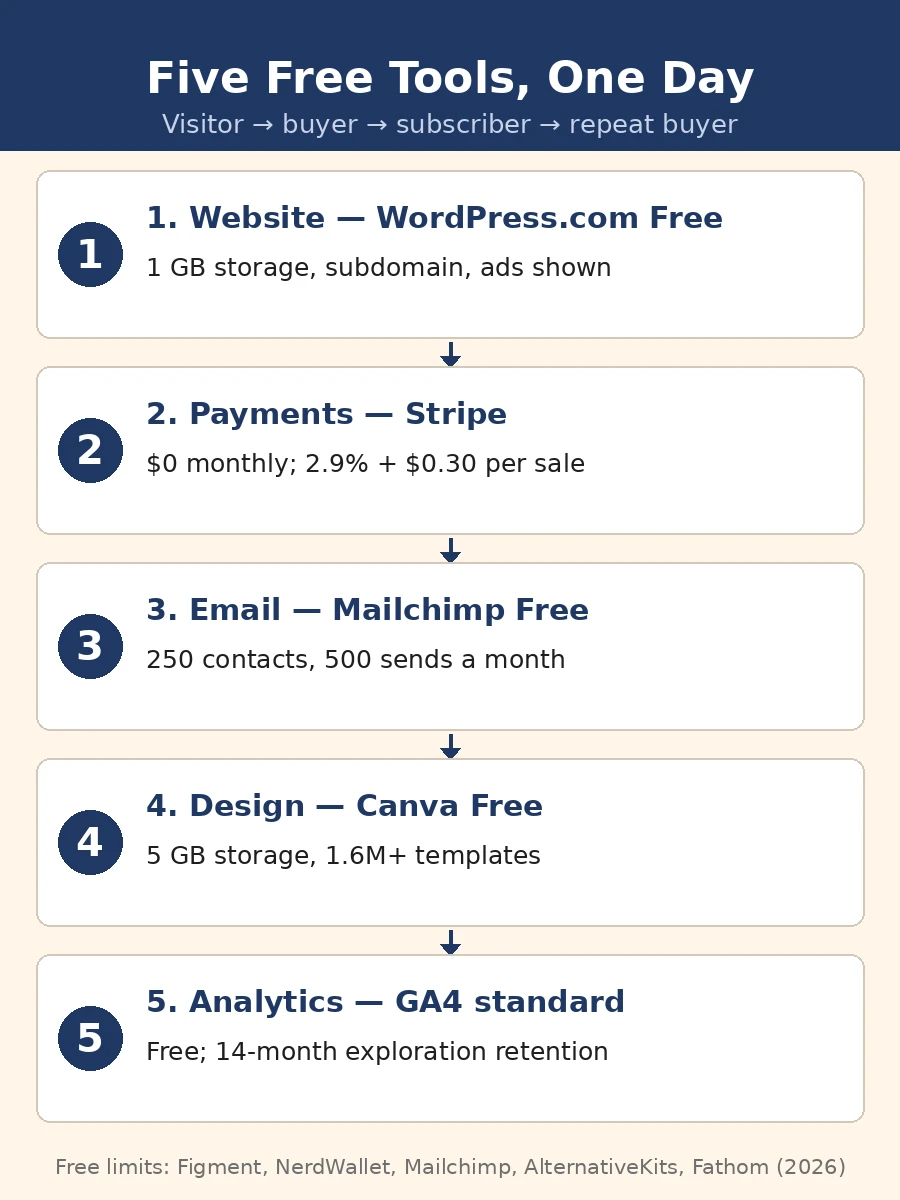
Five free tools in one flow: the website, the payment link, the email list, the design, and the analytics.
The Five Tools
1. Website: WordPress.com Free
A free WordPress.com site gives you a subdomain, 1 GB of storage, and unlimited pages and posts (Figment, 2026).
Visitors see WordPress.com ads on the site, and you cannot install plugins or use a custom domain.
That trade suits day one: the offer page goes live in an hour, and the address can change later.
Keep the first version to one page: the offer, the price, and a way to pay.
2. Payments: Stripe
Stripe charges no monthly fee on standard pricing, so an empty month costs nothing. Each online card payment costs 2.9% plus $0.30 (NerdWallet, 2026).
Run the fee math on a $120 garden cleanup: $3.78 to fees, leaving $116.22 before your other costs.
Small tickets suffer most, because the $0.30 flat fee weighs more on a $5 sale than on a $120 one.
Bundle small items or set a minimum order when the fee eats the margin. Raise the price instead of absorbing the fee silently.
3. Email: Mailchimp Free
Mailchimp Free covers 250 contacts and 500 email sends a month, with its branding on every email (Mailchimp, 2026).
One audience comes with it, and email support lasts only the first 30 days.
Two hundred fifty contacts arrive fast once buyers join, so plan the next tool early.
Brevo offers a different shape: up to 100,000 contacts with 300 emails a day on its free plan (Brevo, 2026).
Pick Mailchimp for the easiest start, Brevo when the list grows past 250. Either way, the list belongs to you, not to a social feed.
4. Design: Canva Free
Canva Free gives you the full editor, over 1.6 million templates, and 5 GB of storage (AlternativeKits, 2026).
Premium stock stays locked, and the background remover needs the paid plan. Transparent PNG and SVG downloads need it too.
AI tools run about 20 uses a month on the free plan, and one Brand Kit holds three colors.
Design the logo, the offer graphic, and the first email header in one sitting.
5. Analytics: Google Analytics 4
GA4 standard costs nothing, with no traffic fee and no trial period (Fathom, 2026). It records traffic sources, pages, and key events such as purchases.
Explorations keep detailed data for 14 months at most on the free tier. Past 10 million events in one query, GA4 samples the exploration.
That limit rarely bites a new site, which is why free analytics lasts for years here.
Connect GA4 to Search Console and the payment page, then watch one number: sales per visitor.
Set the Stack Up in One Day
- Open the WordPress.com free site and publish the one-page offer.
- Create the Stripe account and paste the payment link on the page.
- Start the Mailchimp free list with one welcome email.
- Design the header and the offer graphic in Canva Free.
- Add GA4 to the site and mark the payment as a key event.
When Free Stops Being Free
Tools break at different points, so watch for the first crack. Upgrade that tool alone, and leave the rest free.
Most sellers buy a custom domain first, because the subdomain looks temporary to buyers.
Email upgrades follow when the list passes 250 contacts or the sends run out mid-month.
Payments never need an upgrade for volume alone, since Stripe takes a cut instead of a fee.
Canva Pro waits until background removal or brand kits save real hours each week. Analytics 360 waits until the business outgrows 14 months of history.
Three Mistakes That Trap Free Users
- Building the whole site on a subdomain, then reprinting everything after the domain changes.
- Letting the email list pass 250 contacts with no export and no backup plan.
- Designing with premium assets, then finding the watermark on launch day.
Tonight, Connect the Stack
Free tools launch the business; buyers fund the upgrades. Spend tonight connecting the five, not comparing fifty.
Let the eight-box plan decide what each tool must do: How to Write a One-Page Business Plan: Eight Boxes, One Evening.
Try the offer on five buyers before you polish the stack: Validate Your Business Idea in One Evening, Before You Spend Anything.
Work the price from the cost-plus math the pricing guide teaches: Pricing Your First Product: Simple Math Instead of Guesswork.
First ten buyers, no ads: the customers guide explains where to find them: Your First Ten Customers: Where to Find Them Without Ads.
Launch the whole stack in a day: launch your business in a day shows the hour-by-hour plan.
Frequently Asked Questions
Are free tools really free, or is there a catch?
Costs stay at zero until a limit breaks, and the catch is the limit, not a hidden bill.
Read each limit before you build on the tool.
Which free tool should I set up first?
Start with the website, because buyers need somewhere to land. Payments come second, since a page without a way to pay earns nothing.
What happens when I pass a free limit?
Limits stop the tool, demand payment, or lock the extra feature. Export your list and your designs before that day arrives.
Can I run a real business on free tools alone?
Yes, for the first sales, and many sellers do for months. Upgrades follow growth, not the other way around.
Do free tools hurt my search rankings?
No, rankings follow content and links, not the price of your tools. Slow pages hurt more than any free badge ever will.
Methodology
Free-tier limits were checked against vendor pricing pages through indexed copies on 26 November 2026.
Stripe fees follow the NerdWallet review of Stripe’s 2026 pricing, read the same day.
Mailchimp limits follow Mailchimp’s own pricing page, Brevo limits follow Brevo’s own pricing page, both read the same day.
WordPress.com, Canva, and GA4 limits were cross-checked across two or more November 2026 sources each.
References
- WordPress.com Pricing: Plans Explained, Figment
- Stripe Review 2026: Features and Pricing, NerdWallet
- Mailchimp Pricing Plans | Get Started Today
- Brevo Pricing: Compare All Features by Plan, Brevo
- Is Canva free? Yes — with limits that decide everything, AlternativeKits
- Google Analytics Pricing (2026): Is GA4 Really Free?, Fathom